Enterprise Mobile Applications
Role-based mobile access for employees, managers, departments, branches and field teams.
Business Mobility, Custom Built
NUR Technology Solutions provides custom mobile app development for organizations that need practical mobile access to services, workflows, documents, business data and existing enterprise systems. We develop Android and iOS applications for customers, employees, managers, field teams, distributors, students, patients and other authorized users.
NUR Technology Solutions develops custom mobile applications for customers, employees, field teams and managers, with secure access, workflow automation, business-system integrations and long-term scalability.
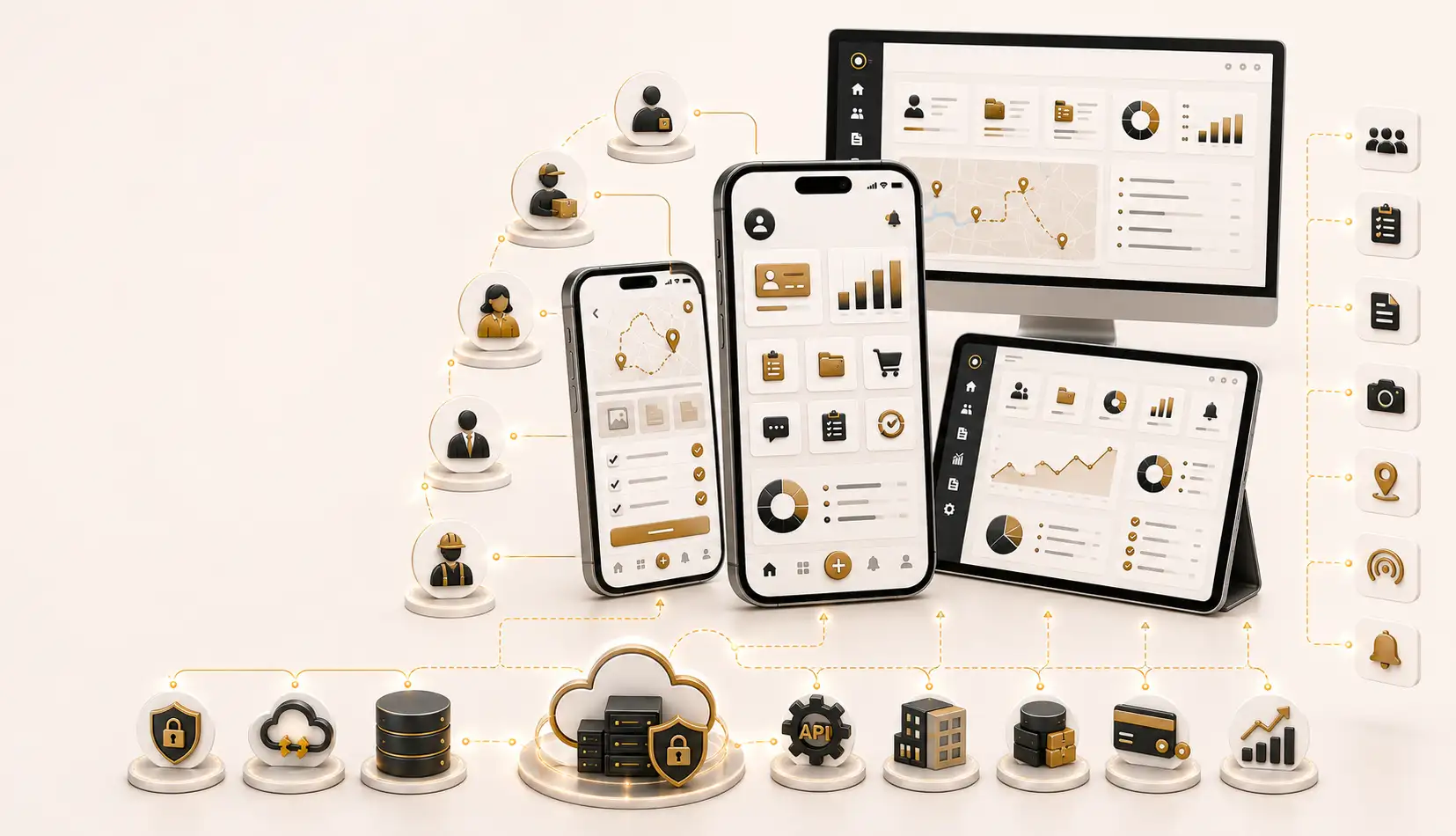
Custom mobile applications connecting users, workflows, data and enterprise systems.
Designed Around Real Users
Custom mobile app development is the process of designing and building an application around an organization’s specific users, workflows, data, services and operational requirements. Unlike generic mobile products, a custom application can reflect the organization’s terminology, forms, approval stages, customer journeys, reporting needs and existing business systems.
Mobile application planning should consider supported devices, operating-system versions, network availability, user permissions, data sensitivity, synchronization requirements and the responsibilities of each user group.
Recognize the Need
A custom application may be appropriate when employees, customers or field teams require mobile access to processes that cannot be handled efficiently through desktop-only software, generic applications or manual communication channels.
A mobile application should solve a defined operational or service problem rather than simply duplicate a website without a clear user need.
Application Categories
Role-based mobile access for employees, managers, departments, branches and field teams.
Accounts, requests, appointments, documents, notifications, service history and approved payment workflows.
Leave, documents, announcements, tasks, approvals, forms and supported HR information.
Customer visits, route planning, order booking, catalogues, collections and sales reporting.
Assignments, inspections, equipment records, checklists, notes and completion evidence.
Customer selection, pricing, orders, outstanding balances, receipts and ERP synchronization.
Learning, assignments, examinations, attendance, student services and communication.
Appointments, authorized documents, service information, notifications and approved patient interactions.
Structured forms, surveys, photographs, signatures, checklists and field observations.
Role-specific summaries, alerts, task status, branch comparisons and management reports.
Android and iOS
NUR Technology Solutions develops applications for Android and iOS according to the intended users, device environment, functionality and distribution requirements.
Development Approach
Native and cross-platform development are both valid approaches. The appropriate option depends on functionality, performance expectations, device requirements, integrations and long-term support needs.
Neither approach is automatically better for every application.
Enterprise Mobility
Enterprise mobile applications can extend approved business processes beyond desktop systems and office locations.
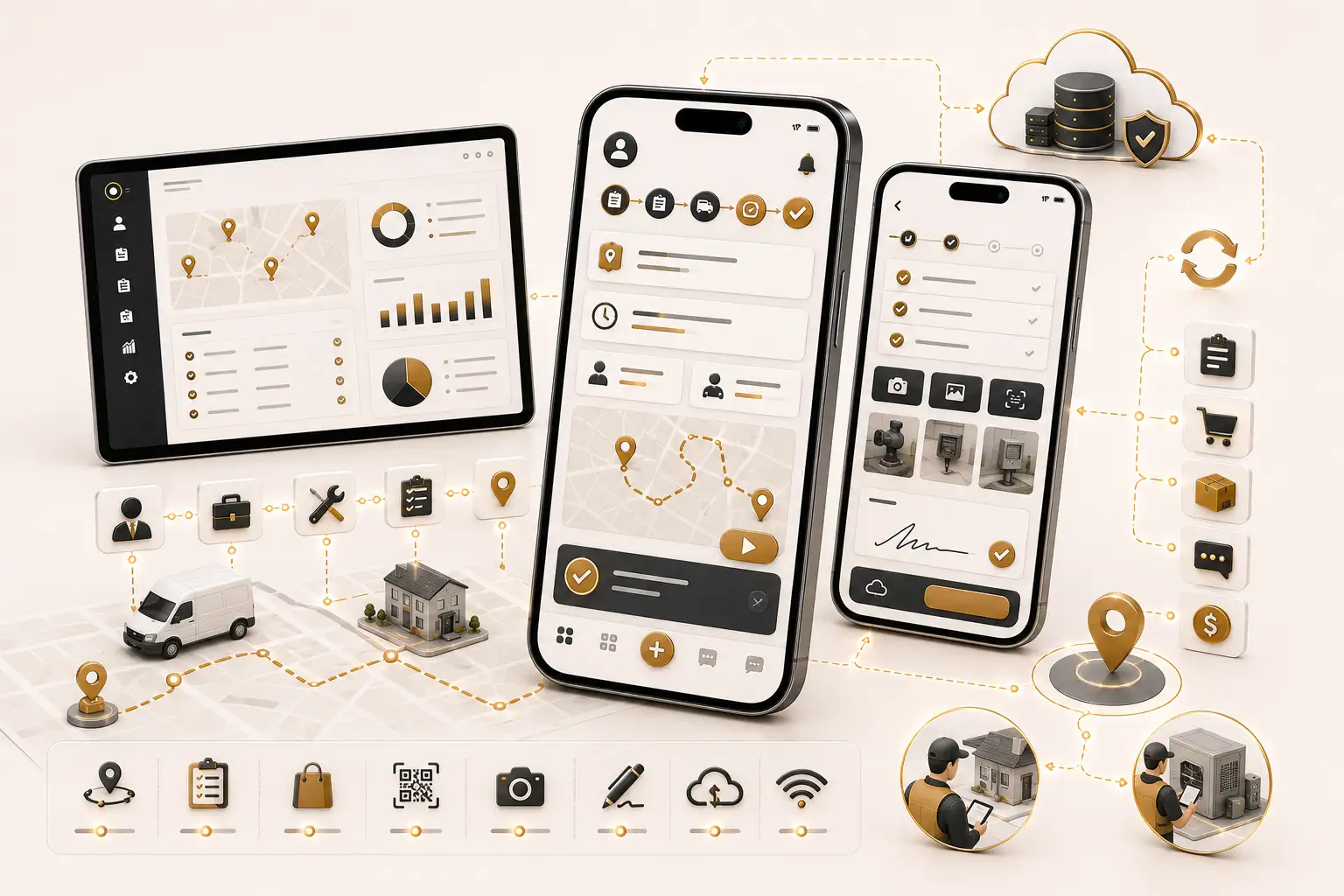
Mobile workflows for field sales, service teams, inspections and operational data capture.
Field Sales
GPS or location functionality should be used only for approved business purposes and according to applicable policies and requirements.
Field Service
Device features depend on permissions, supported operating systems and project requirements.
Self-Service Mobility
Customer-facing apps may provide secure account access, service requests, appointments, documents, notifications, service history, profile management and approved payment workflows.
Employee self-service apps may support leave requests, documents, announcements, tasks, approvals, internal forms, notifications, reports and supported HR information.
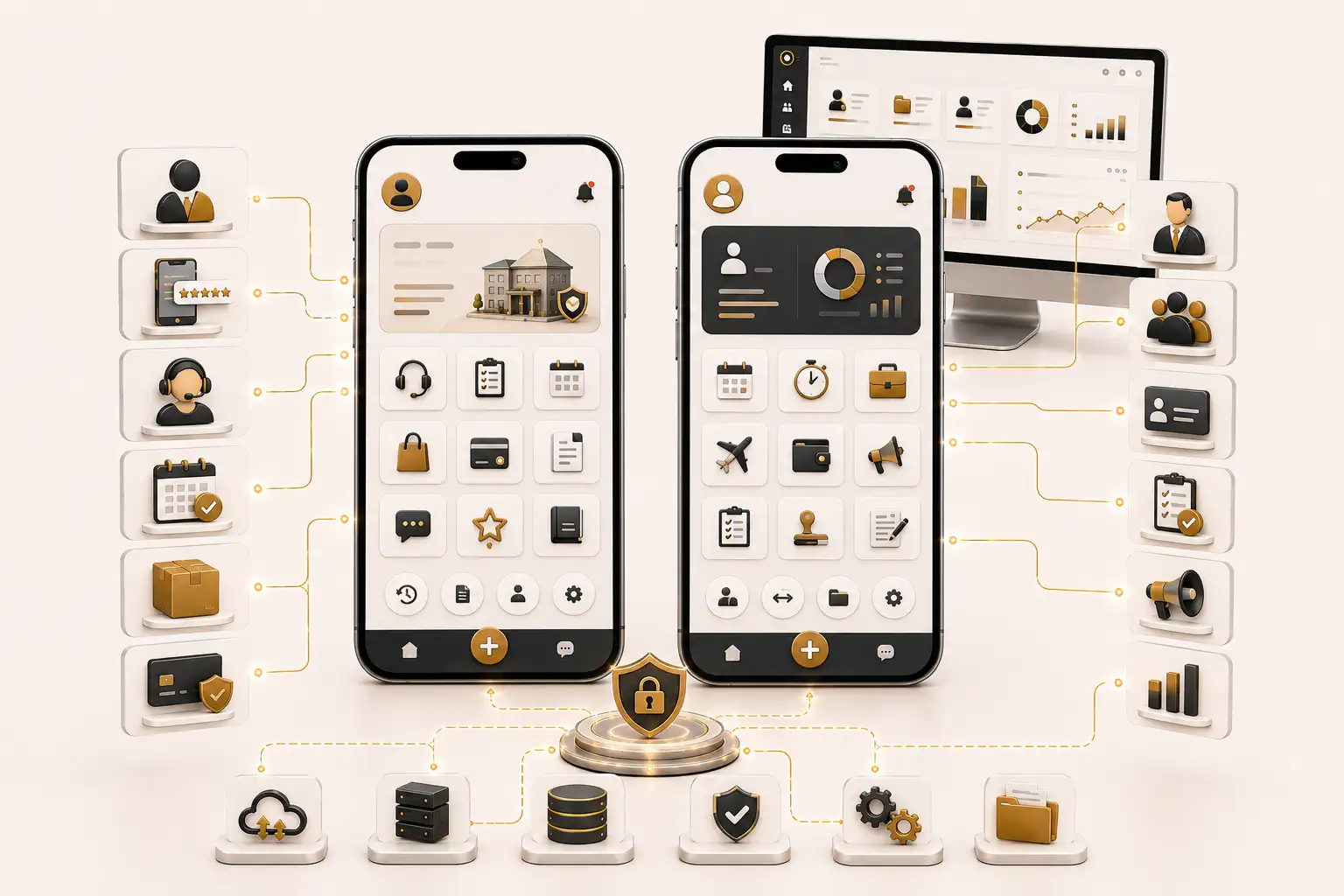
Role-based mobile self-service for customers, employees and managers.
Orders and Collections
Inventory, pricing and payment information depends on suitable integration with connected systems.
Mobile Workflows
Offline Capability
Offline functionality is not appropriate for every application or every type of data. The design depends on business requirements, data sensitivity, device security and synchronization complexity.
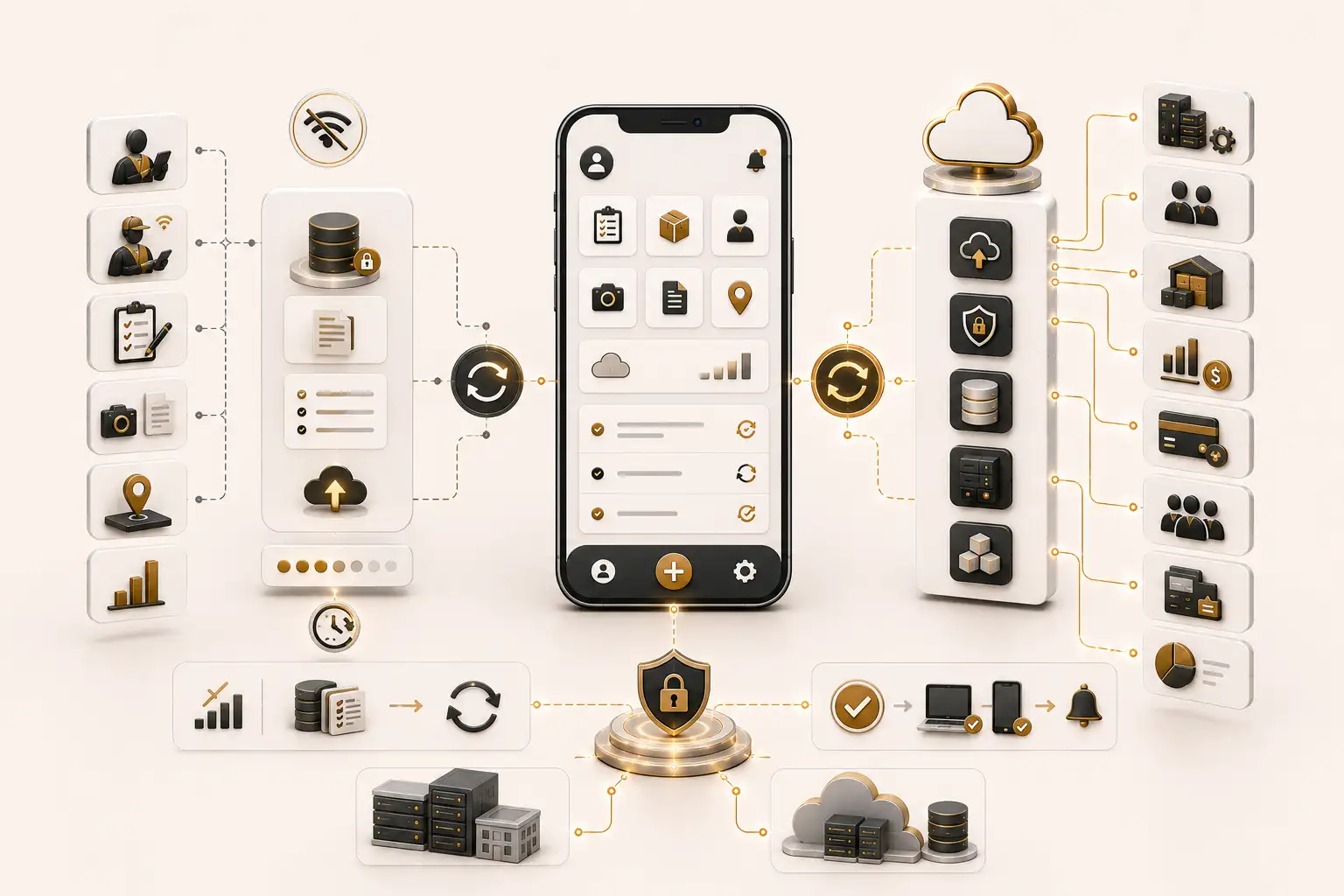
Secure mobile integrations, approved offline workflows and synchronized enterprise data.
Device Capabilities
Access to device features requires user permission and operating-system support.
Business-System Integration
Integration feasibility depends on API availability, technical documentation, licensing conditions, security requirements and access permissions.
Mobile Reporting
Real-time or near-real-time data depends on synchronization schedules and connected-system capabilities.
Security
The security design depends on users, data sensitivity, hosting, device environment and integrations.
Ownership Options
Source-code and database ownership are provided according to the agreed contract, project scope and applicable third-party licensing terms.
Modernization
Modernization depends on source-code availability, architecture, documentation, third-party dependencies, backend accessibility, app-store ownership and data quality.
Deployment
Final app-store approval remains under the control of the relevant platform.
Maintenance
Maintenance is provided according to an agreed support arrangement.
Distributed Operations
Structured Delivery
Step 1
Review intended users, workflows, service journeys, field conditions, devices, connectivity and business goals.
Step 2
Define modules, forms, roles, approvals, device features, notifications, reports and expected outputs.
Step 3
Plan platforms, backend services, APIs, data structures, offline behavior, hosting and security.
Step 4
Design mobile interfaces for touch interaction, smaller screens, clear navigation and efficient task completion.
Step 5
Develop approved server-side services, database structures, integrations and administrative controls.
Step 6
Develop Android, iOS or cross-platform application modules according to the agreed approach.
Step 7
Connect approved enterprise systems and implement online or offline synchronization where suitable.
Step 8
Test workflows, permissions, screen sizes, operating systems, integrations and connectivity conditions.
Step 9
Prepare signing, builds, store assets, privacy declarations and agreed distribution methods.
Step 10
Provide guidance, support and future enhancements according to the agreed service arrangement.
Business Value
Authorized users can participate in approved workflows from supported mobile devices.
Structured mobile forms can replace selected paper forms and fragmented messages.
Information can be collected through consistent mobile workflows and connected with approved systems.
Users may receive tasks, submit requests and review approvals through mobile interfaces.
Customers may access approved services, documents, requests and notifications through one application.
Assignments, visits, checklists, orders and completion evidence can follow defined processes.
Selected workflows may continue during limited connectivity and synchronize later.
Mobile applications can connect with suitable ERP, CRM, inventory, HR and finance platforms.
Users receive appropriate screens, records and actions according to their responsibilities.
The application may be expanded with additional users, modules, reports and integrations.
Why NUR Technology Solutions
Related Services
Industries
Orders, visits, customers, collections and field reporting.
Inspections, operations, approvals, inventory and service workflows.
Customer services, branches, products, orders and employee tasks.
Appointments, authorized documents, service information and notifications.
Learning, assignments, examinations, attendance and student services.
Assignments, route-related workflows, delivery records and operational data.
Guest services, requests, staff workflows and branch operations.
Technician assignments, inspections, equipment records and completion evidence.
Clients, documents, tasks, approvals and service requests.
Role-based mobile access across locations, teams and management levels.
Frequently Asked Questions
Custom mobile app development is the design and implementation of an Android, iOS or cross-platform application created for an organization’s specific users, workflows, data, integrations and digital-service requirements.
Yes. A cross-platform approach may allow suitable parts of the application to share code across Android and iOS, while platform-specific adjustments may still be required.
The appropriate approach depends on functionality, performance, device capabilities, offline requirements, integrations, distribution method, support expectations, budget and timeline.
Integration may be possible where suitable APIs, technical documentation, licensing rights and access permissions are available.
Selected workflows may support offline operation with secure local storage and later synchronization. Offline access is not appropriate for every application or data type.
Yes, where the approved workflow and data sensitivity allow local storage, queued submissions and later synchronization.
Yes, subject to user permissions, supported devices, operating-system capabilities and project requirements.
Yes. Notifications may support tasks, approvals, service updates, reminders and other approved events, subject to platform and user settings.
Payment features may be included where an approved payment provider and suitable integration method are available.
Yes. Employee workflows may include leave requests, documents, tasks, approvals, announcements and supported HR information.
Yes. Modernization may include redesign, framework updates, API replacement, performance improvements and phased migration, depending on source-code and backend availability.
Yes. The application can support multiple companies, branches, departments, teams and localized permissions with centralized reporting.
Source-code and database ownership are provided according to the agreed contract, project scope and applicable third-party licensing terms.
Release preparation and submission support may be included, but final approval remains under the control of the relevant application-store provider.
The schedule depends on functionality, platforms, integrations, offline requirements, testing scope, stakeholder availability and deployment requirements.
Maintenance and support may be provided under an agreed service arrangement, including issue resolution, compatibility reviews, updates and future enhancements.