Customer Self-Service Portals
Account access, requests, tickets, documents, invoices and service history.
Enterprise Portal Solutions
NUR Technology Solutions develops secure, responsive and role-based web portals that connect customers, employees, partners and management teams with the information, services and workflows they need.
Custom web portals can support self-service access, document management, approvals, reporting, payments, notifications and integration with existing business systems.
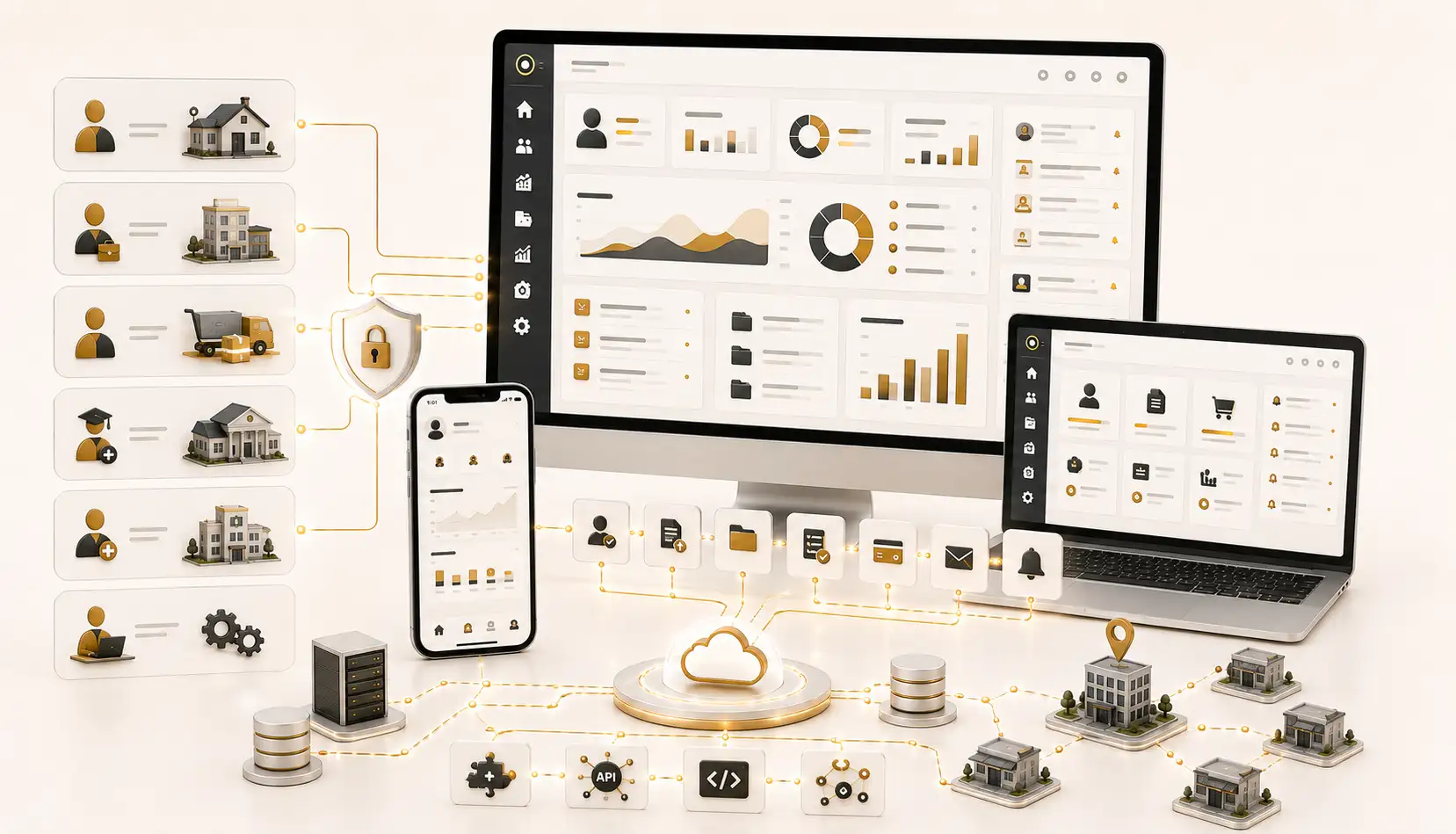
Connected Digital Workflows
Custom web portals can centralize processes that currently depend on email, spreadsheets, phone calls, paper forms, manual approvals, disconnected software and repeated administrative assistance. Exact features depend on business requirements, user roles, data structures and available integration methods.
Portal Categories
Account access, requests, tickets, documents, invoices and service history.
Leave, attendance, documents, announcements, forms, tasks and approvals.
Onboarding, orders, claims, documents, communications and performance visibility.
Procurement workflows, quotations, purchase orders, invoices and compliance documents.
Controlled upload, access, categorization, version visibility and audit trails.
Structured requests, routing, status tracking, comments and notifications.
Academic information, documents, requests, notices and institution workflows.
Appointments, documents, requests, notifications and authorized account access.
Self-Service Portals
Customer and employee self-service portals provide secure, centralized access to information, documents, requests and routine business processes. Instead of depending on repeated emails, spreadsheets, phone calls or manual follow-ups, users can access role-specific dashboards to complete approved tasks independently.
NUR Technology Solutions develops responsive self-service portals around each organization’s operational structure, user roles, branding and integration requirements.
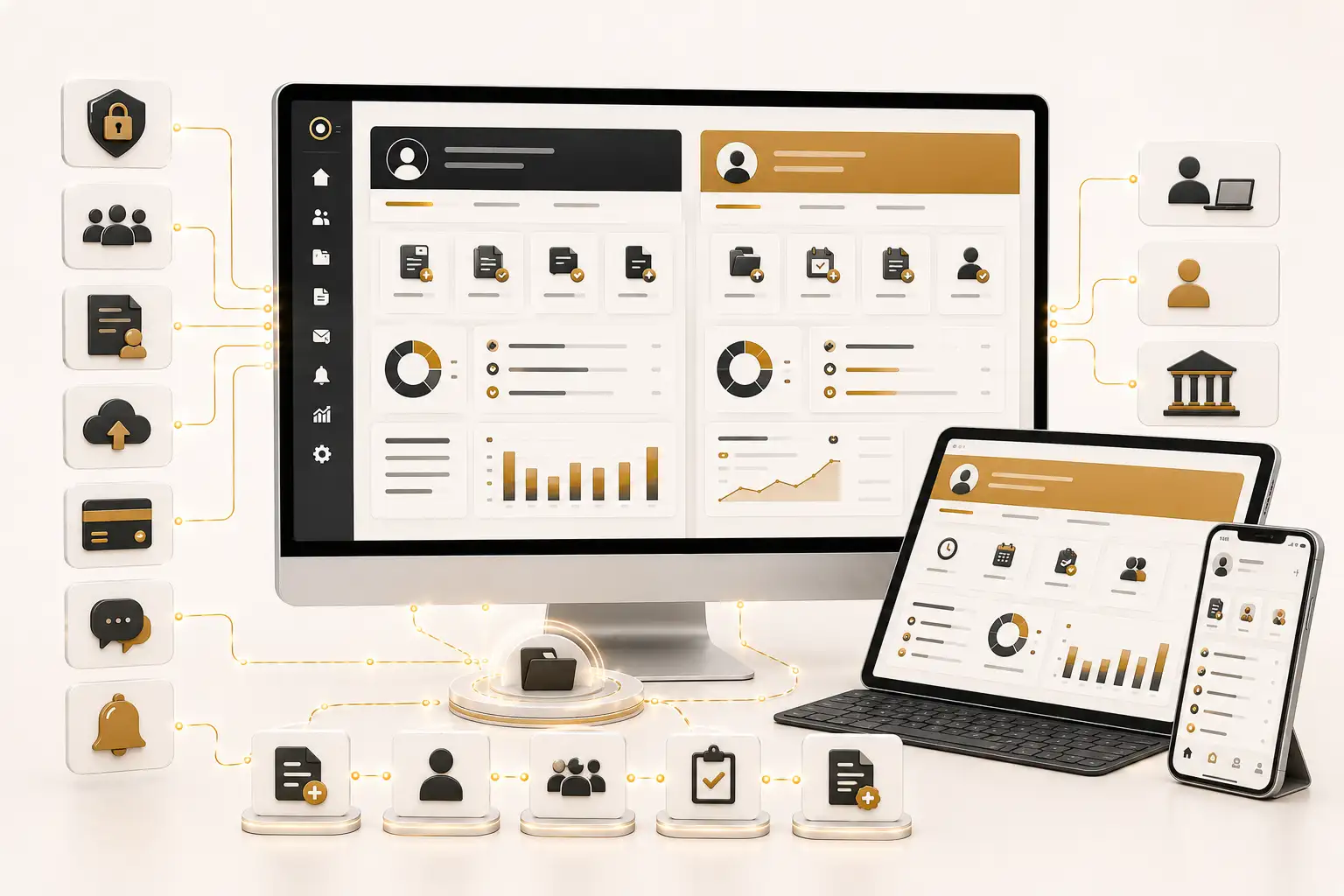
A customer self-service portal gives authorized users a convenient way to access account information, submit requests, exchange documents and track service activity without contacting an administrative team for every routine enquiry.
An employee self-service portal gives authorized staff a centralized place to access workplace information, submit routine requests and participate in internal workflows without describing or enabling surveillance.
Shared Portal Capabilities
Unique accounts, configurable authentication, department, branch, customer-category and approval-level permissions.
Role-specific views for requests, tickets, documents, invoices, leave, tasks, approvals and reports.
Structured forms, reference numbers, routing, status visibility, comments and resolution history.
File categories, checklists, version visibility, controlled sharing, download history and audit trails.
Issued invoices, due dates, balances, receipts and statements where suitable finance integrations are available.
Applications, balances, attachments, approvals, corrections, status tracking and team-level review.
Configurable approval routes by department, branch, request type, amount, role or management level.
In-portal notices, email or SMS alerts, reminders, announcements and request-related communication.
Service guides, FAQs, policies, procedures, forms, training resources and internal notices.
Statements, request summaries, ticket history, leave reports, payment reports and management summaries.
Responsive forms, dashboards, menus and documents across desktop, tablet and mobile devices.
CRM, ERP, HR, finance, document, support, payment, identity and business-intelligence integrations.
Partner Collaboration
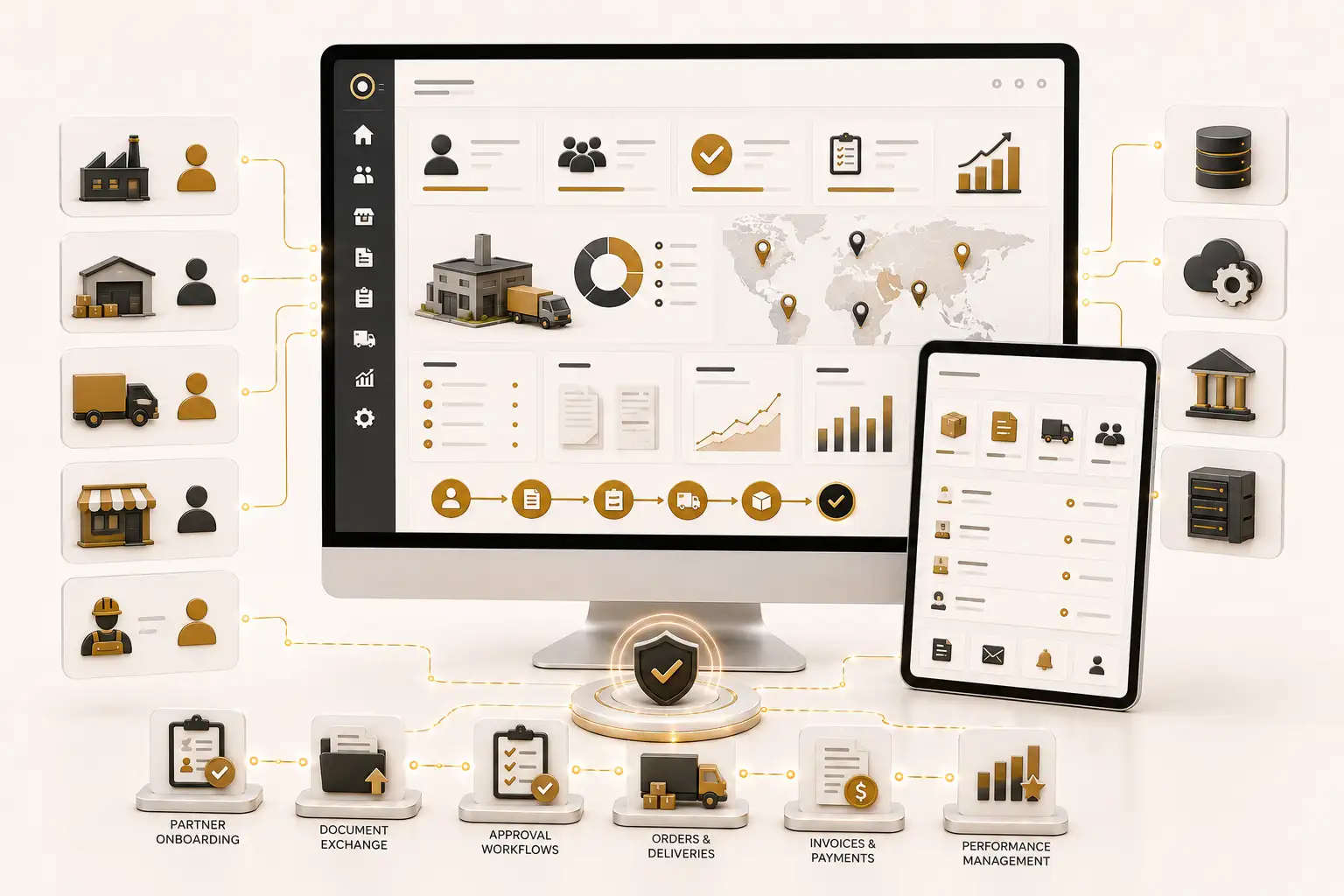
External business users can collaborate through controlled portal access for onboarding, quotations, purchase orders, invoices, claims, documents, approvals, support requests and performance reporting.
Business Value
A properly planned self-service portal can replace fragmented communication with more structured, transparent and traceable processes.
Users can access approved information and complete routine requests without repeatedly asking administrative teams for the same documents or updates.
Structured forms, routing rules and visible request statuses can help departments handle enquiries more consistently.
Users can see whether requests are submitted, pending, approved, rejected or completed, subject to configured permissions.
Users can submit requests, view documents and access information when the portal is available.
Centralized records can reduce fragmented email threads, duplicated spreadsheets and inconsistent tracking.
Forms, approval stages, roles and notification rules can be configured around defined business procedures.
Authorized users can access approved documents through one controlled location.
A central portal can provide organization-wide consistency while maintaining branch-specific access and reporting.
Custom Development
Every organization has different users, departments, approval levels, terminology and reporting requirements. Custom development allows NUR Technology Solutions to design portal experiences around your operating model rather than forcing teams to adopt a fixed generic workflow.
Ownership Options
Custom source-code and database ownership may be made available according to the agreed contract, project scope and applicable third-party licensing terms. Ownership arrangements, licensed components, hosting responsibilities, deployment rights, maintenance obligations and handover conditions should be documented before development begins.
Security and Planning
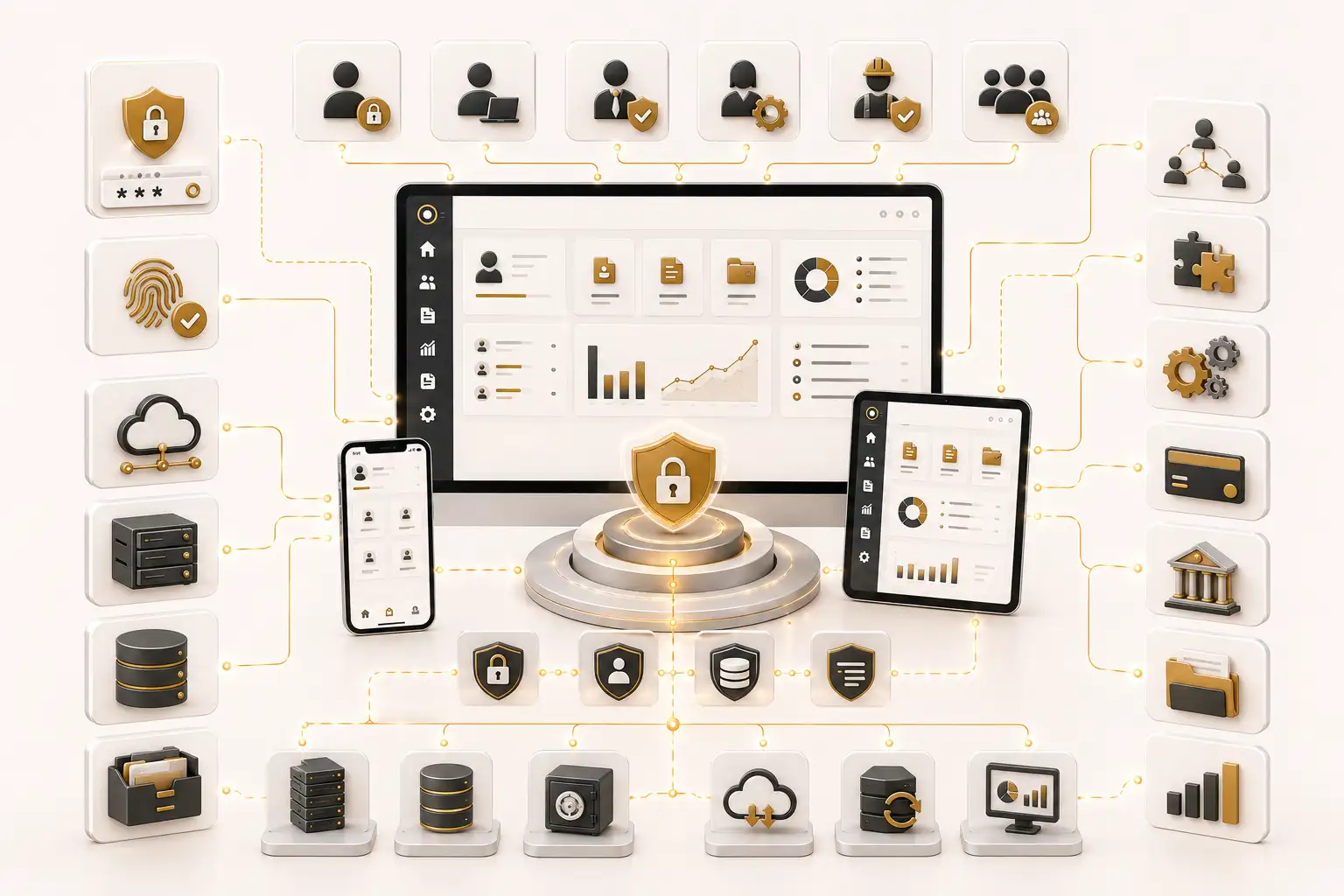
Access controls, authentication methods, security measures, hosting, integrations, data migration and deployment responsibilities are defined during discovery and implementation. Exact configurations depend on business requirements, existing infrastructure, data sensitivity and the technical capabilities of connected systems.
Implementation Process
Review workflows, user groups, documents, approval stages and reporting requirements.
Define modules, permissions, dashboards, data structures, integrations and deployment needs.
Plan responsive interfaces for customers, employees, managers and administrators.
Develop portal modules, workflows, reports and integration components.
Review functionality, permissions, workflows, responsive access and integration behavior.
Deploy the approved system and provide implementation guidance or training according to scope.
Why NUR Technology Solutions
Related Services
Frequently Asked Questions
A customer portal serves external users such as customers, clients, dealers, students, patients or service subscribers. An employee portal serves internal staff. Both may use one technical platform while maintaining separate dashboards, permissions and workflows.
Yes. A custom portal can support both user groups within one connected environment while maintaining separate menus, dashboards, permissions, documents and workflows.
Integration may be possible through APIs, web services, database connections, scheduled data exchange or approved middleware. Feasibility depends on the connected system’s technical documentation, licensing and access permissions.
Permissions can be assigned by user type, department, branch, job level, customer category or account type. Exact access rules are defined during discovery and implementation.
Yes. The architecture can support branch-specific users, department-specific forms, regional dashboards, separate approval chains and centralized management reporting.
Yes, where the portal is connected to suitable finance, accounting or ERP systems. Online payments depend on the selected payment provider and agreed integration scope.
Yes. Employees may submit requests, attach documents and track approval status, while managers may review, approve, reject or return requests for clarification.
The portal can provide controlled document upload and download features with role-based access, file restrictions, categories, version records, activity logs and retention rules defined during implementation.
Yes. Users may submit structured requests, receive reference numbers, review status, add comments, upload documents and receive notifications according to the configured workflow.
The portal can be designed with responsive layouts for desktop, tablet and mobile access. A separate mobile application may be developed where device-specific functionality is required.
Notifications may appear inside the portal or be sent through email, SMS or other approved channels, depending on project requirements and integration availability.
Existing customer, employee, document and workflow data may be assessed, cleaned, mapped and migrated when it is accessible and suitable for transfer.
Custom source-code and database ownership may be provided according to the agreed contract and applicable third-party licensing terms.